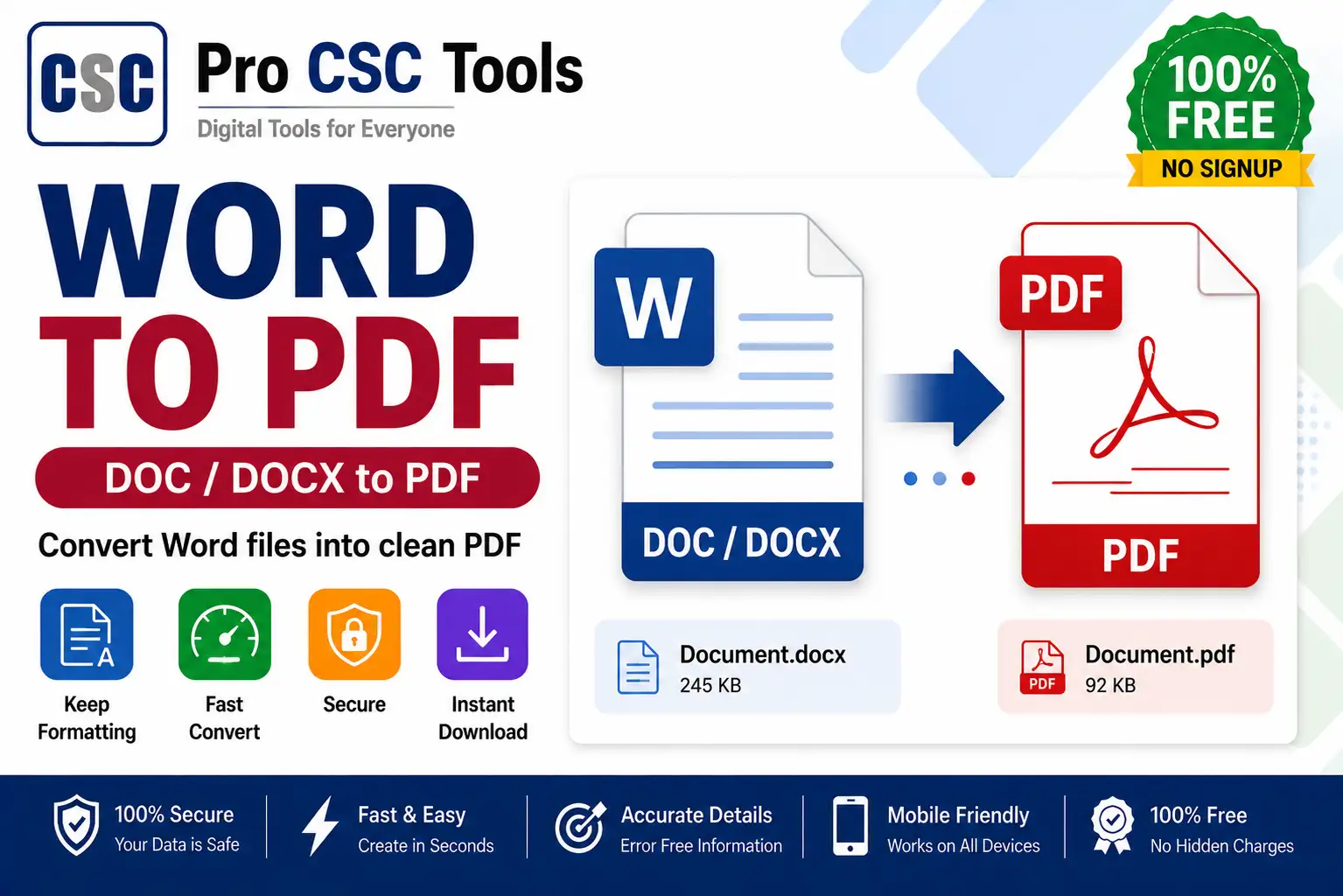
Word documents are easy to edit, but most official uploads and prints require PDF. Converting Word to PDF keeps the formatting fixed and makes the document look professional everywhere.
The free Word to PDF Converter from Pro CSC Tools turns your DOC or DOCX files into clean PDFs in seconds, preserving fonts, layout, and spacing exactly.
Why Convert Word to PDF
PDF locks your formatting so the document looks the same on every device. It is the standard format for job applications, official letters, and government uploads.
Formatting Stays Intact
Unlike copy-pasting, this converter preserves your fonts, headings, tables, and spacing, so the PDF matches your Word file precisely.
How to Use Word to PDF Converter - Step by Step
- Open the Word to PDF Converter on Pro CSC Tools.
- Upload your DOC or DOCX file.
- Start the conversion.
- Wait a moment while the PDF is generated.
- Preview the PDF to confirm formatting.
- Download the final PDF file.
Key Features of Word to PDF Converter
- Exact formatting: Keeps fonts, layout and tables intact.
- DOC and DOCX: Supports common Word formats.
- Fast: Convert in seconds.
- Print-ready: Get a clean PDF for upload or print.
- Free: No watermark, no signup.
Use Cases for CSC VLEs & Students
- Converting resumes and cover letters to PDF
- Preparing official letters and applications
- Submitting assignments and projects
- Creating print-ready documents
- Sharing documents that must not be edited
Pro Tips for Best Results
- Finalize all edits in Word before converting to PDF.
- Check the PDF preview to confirm the layout is correct.
- Use PDF for any document that should not be changed by the receiver.
- Keep the Word file for future edits.
Frequently Asked Questions
Does it keep my Word formatting?
Yes, the converter preserves fonts, layout, tables and spacing in the PDF.
Does it support DOCX?
Yes, it supports both DOC and DOCX Word formats.
Is the converter free?
Yes, it is completely free with no watermark.
Are my documents safe?
Your files are processed for conversion and not shared, keeping your documents private.
Does it work on mobile?
Yes, it works on any device browser.
Try Word to PDF Converter Now - 100% Free
Fast, secure and mobile-friendly. No signup, no watermark.
Open Word to PDF Converter