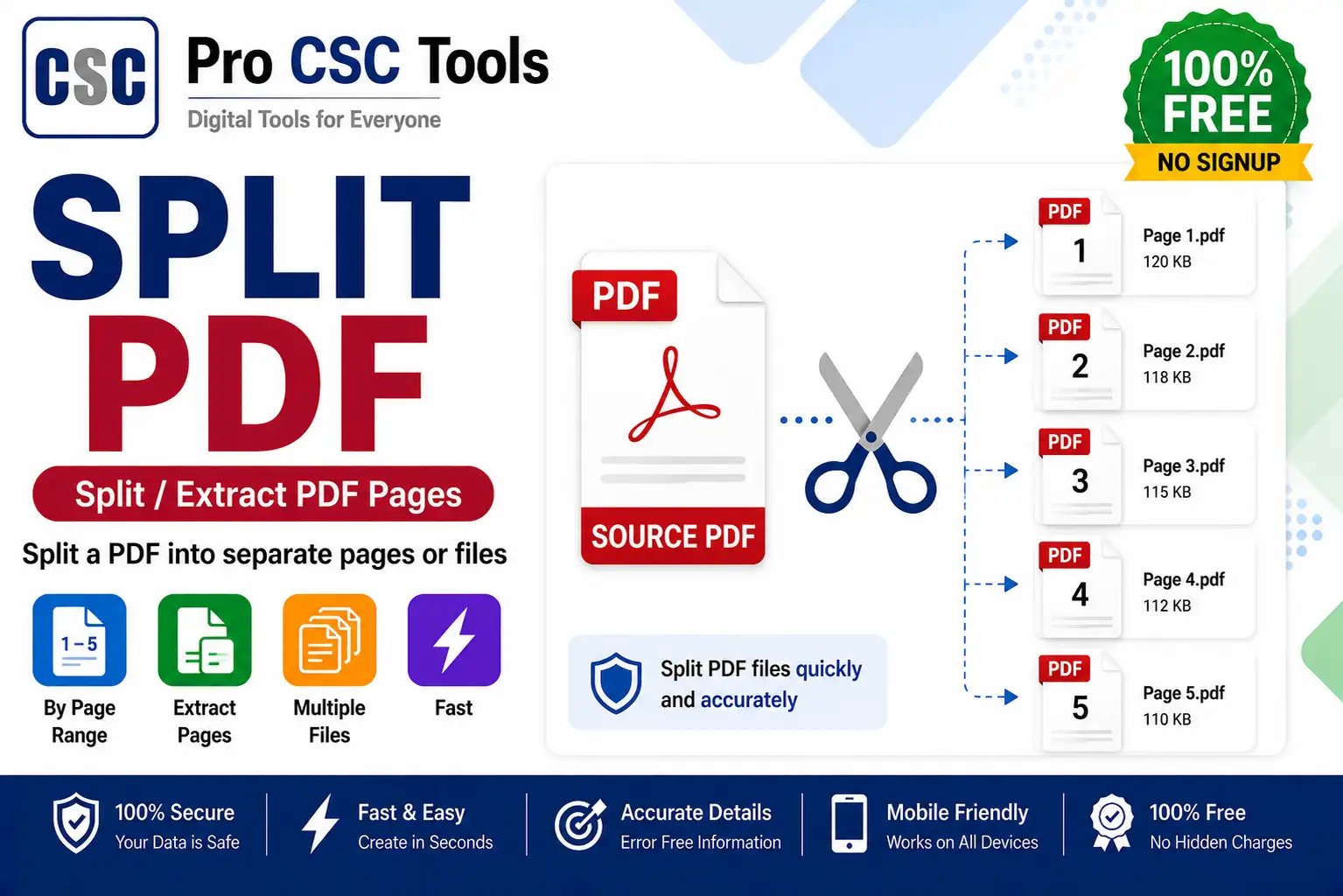
Sometimes you only need one or a few pages from a large PDF - a single certificate from a bundle, or specific pages from a long document. Splitting lets you extract exactly what you need.
The free Split PDF tool from Pro CSC Tools lets you separate or extract specific pages from any PDF in seconds, giving you smaller, focused files.
Why Split a PDF
Splitting helps you upload only the required pages, reduce file size, and share specific parts of a document without sending the whole file.
Extract Exactly What You Need
You can choose specific pages or page ranges to extract, leaving out everything you do not need.
How to Use Split PDF - Step by Step
- Open the Split PDF tool on Pro CSC Tools.
- Upload the PDF file.
- Select the pages or page range you want to extract.
- Start the split.
- Preview the resulting pages.
- Download the separated PDF file.
Key Features of Split PDF
- Page selection: Extract specific pages or ranges.
- Smaller files: Create focused, lighter PDFs.
- Fast: Split in seconds.
- Private: Processed in your browser.
- Free: No watermark, no signup.
Use Cases for CSC VLEs & Students
- Extracting a single certificate from a bundle
- Separating required pages for an upload
- Reducing a large PDF to needed pages
- Sharing only specific parts of a document
- Splitting scanned multi-page files
Pro Tips for Best Results
- Note the exact page numbers you need before splitting.
- Use split with merge to reorganize documents.
- Keep the original PDF in case you need other pages later.
- Check the extracted pages before uploading.
Frequently Asked Questions
Can I extract specific pages from a PDF?
Yes, you can select specific pages or page ranges to extract.
Is the split PDF tool free?
Yes, it is completely free with no watermark.
Are my files safe?
Yes, your PDF is processed privately in your browser.
Can I split a large PDF?
Yes, you can split large PDFs and extract just the pages you need.
Does it work on mobile?
Yes, it works on any device browser.
Try Split PDF Now - 100% Free
Fast, secure and mobile-friendly. No signup, no watermark.
Open Split PDF