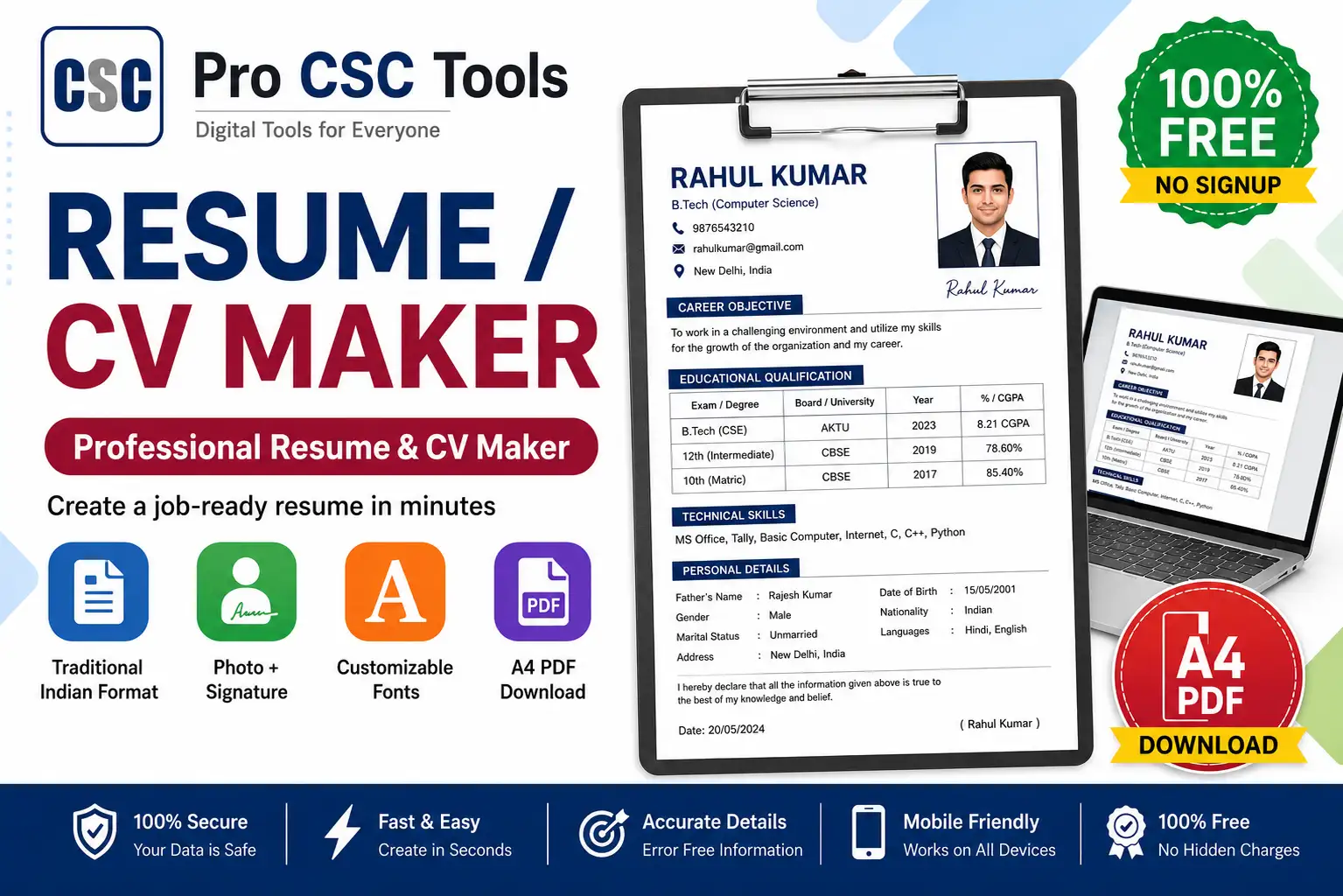
A good resume is the first step to any job, and many people come to CSC centers asking for help to create one. Typing a resume from scratch in Word takes time and rarely looks professional.
The free Resume Builder from Pro CSC Tools gives you ready-made templates where you just fill in the details and download a clean, professional PDF resume - perfect for freshers, students, and job seekers.
What Makes a Strong Resume
A strong resume is clear, one to two pages, and highlights skills, education, and experience in a clean layout. Recruiters spend only seconds on each resume, so a tidy professional format matters a lot.
- Clear contact details at the top
- A short career objective or summary
- Education, skills and experience sections
- Clean formatting that is easy to read
Templates for Every Need
Whether the customer is a fresher, a graduate, or applying for a government or private job, you can pick a suitable template and customize it quickly.
How to Use Resume / CV Builder - Step by Step
- Open the Resume Builder on Pro CSC Tools.
- Choose a resume template that fits the job type.
- Fill in personal details, contact info and a short objective.
- Add education, skills, experience and achievements.
- Preview the resume and adjust the layout if needed.
- Download the finished resume as a PDF.
Key Features of Resume / CV Builder
- Ready templates: Multiple professional designs to choose from.
- Easy editing: Just fill the form - no formatting headaches.
- PDF download: Get a print-ready PDF instantly.
- Fresher friendly: Great formats for students with no experience.
- Free to use: No subscription or watermark.
Use Cases for CSC VLEs & Students
- Freshers and students applying for first jobs
- Private company and walk-in interview applications
- Government job and contract applications
- Internship and apprenticeship applications
- Updating an old resume with new details
Pro Tips for Best Results
- Keep the resume to one page for freshers and two pages maximum for experienced people.
- Use simple, professional language and avoid spelling mistakes.
- Add relevant skills and a clear objective for the target job.
- Use a professional email address and an up-to-date phone number.
Frequently Asked Questions
Is the resume builder free?
Yes, you can create and download a professional resume completely free with no watermark.
Can freshers use it?
Yes, there are templates designed specifically for freshers and students with little or no experience.
Can I download the resume as PDF?
Yes, you can download your finished resume as a print-ready PDF file.
Do I need design skills?
No, you just fill in your details and the template handles the formatting.
Can I edit the resume later?
Yes, you can update your details and download a new version anytime.
Try Resume / CV Builder Now - 100% Free
Fast, secure and mobile-friendly. No signup, no watermark.
Open Resume / CV Builder