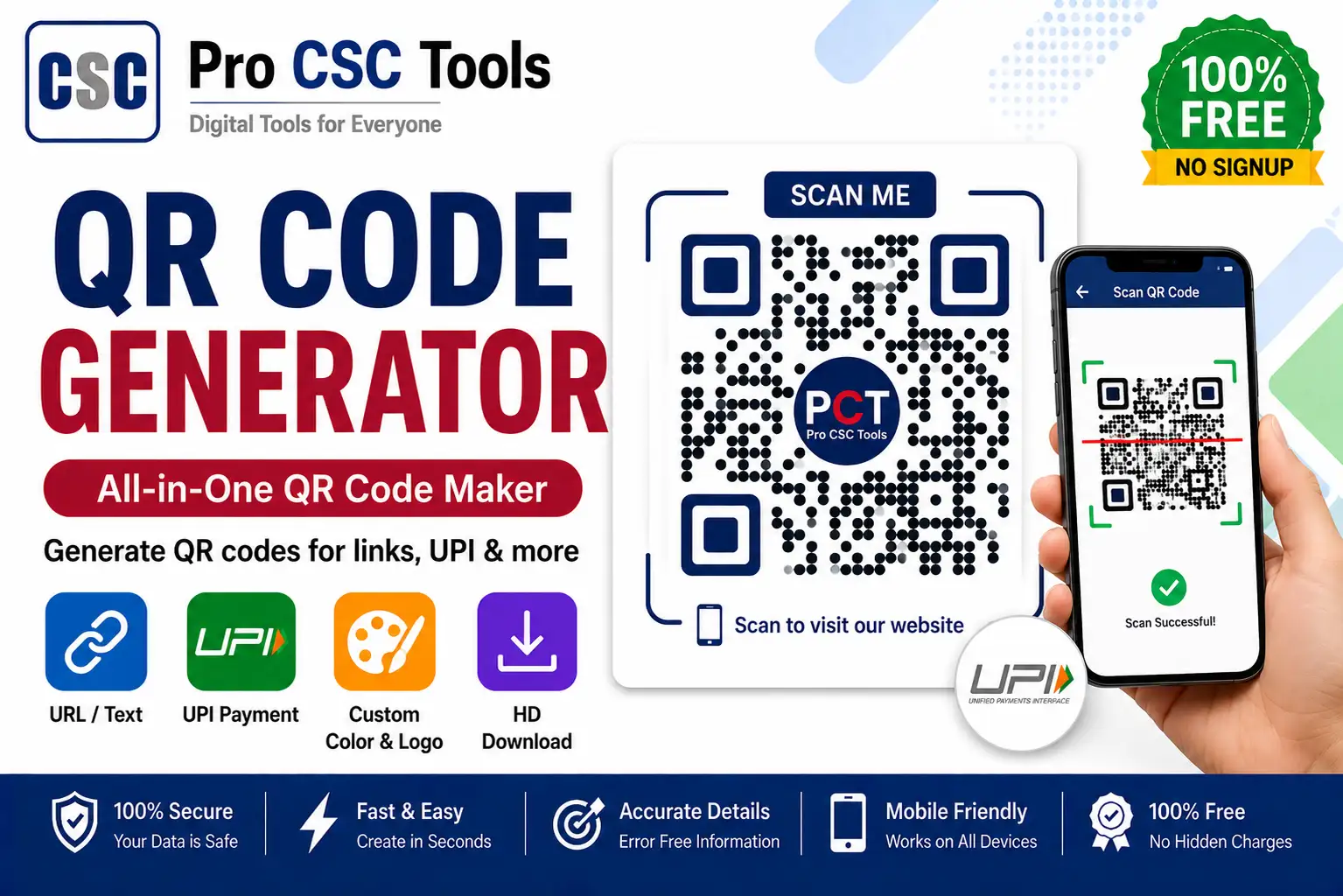
QR codes are everywhere - for UPI payments, website links, WhatsApp, and shop details. Creating your own QR code helps your CSC center accept payments and share information instantly.
The free QR Code Generator from Pro CSC Tools lets you create custom QR codes for UPI, links, text, and more in seconds, ready to print and display at your center.
Types of QR Codes You Can Make
This tool supports the most useful QR code types for shops and centers.
- UPI payment QR for accepting payments
- Website or Google review link QR
- WhatsApp chat QR
- Plain text or contact details QR
Great for Your CSC Center
A printed UPI QR at your counter makes payments fast and cashless, while a WhatsApp QR helps customers reach you quickly.
How to Use QR Code Generator - Step by Step
- Open the QR Code Generator on Pro CSC Tools.
- Choose the QR type (UPI, link, text, WhatsApp).
- Enter the details, such as your UPI ID or website link.
- Customize colors or add a logo if available.
- Preview and test the QR code.
- Download the QR code and print it for display.
Key Features of QR Code Generator
- Multiple types: UPI, link, text and WhatsApp QR codes.
- Custom design: Adjust colors and add a logo.
- High quality: Download print-ready QR images.
- Instant: Generate in seconds.
- Free: No watermark, no signup.
Use Cases for CSC VLEs & Students
- Accepting UPI payments at your CSC center
- Sharing your website or Google review link
- Quick WhatsApp contact for customers
- Putting shop details on visiting cards
- Linking to forms and important pages
Pro Tips for Best Results
- Always test the QR code before printing many copies.
- Use a clear, high-contrast design for easy scanning.
- Print the UPI QR large enough to scan from a distance.
- Add your shop name near the QR so customers trust it.
Frequently Asked Questions
Can I create a UPI payment QR code?
Yes, you can enter your UPI ID to create a payment QR code for your center or shop.
Can I add a logo to the QR code?
Yes, you can customize colors and add a logo where supported.
Is the QR code generator free?
Yes, it is completely free with no watermark.
Will the QR code expire?
The QR code itself does not expire; it keeps working as long as the destination (like your UPI ID or link) is valid.
Does it work on mobile?
Yes, it works on any device browser.
Try QR Code Generator Now - 100% Free
Fast, secure and mobile-friendly. No signup, no watermark.
Open QR Code Generator