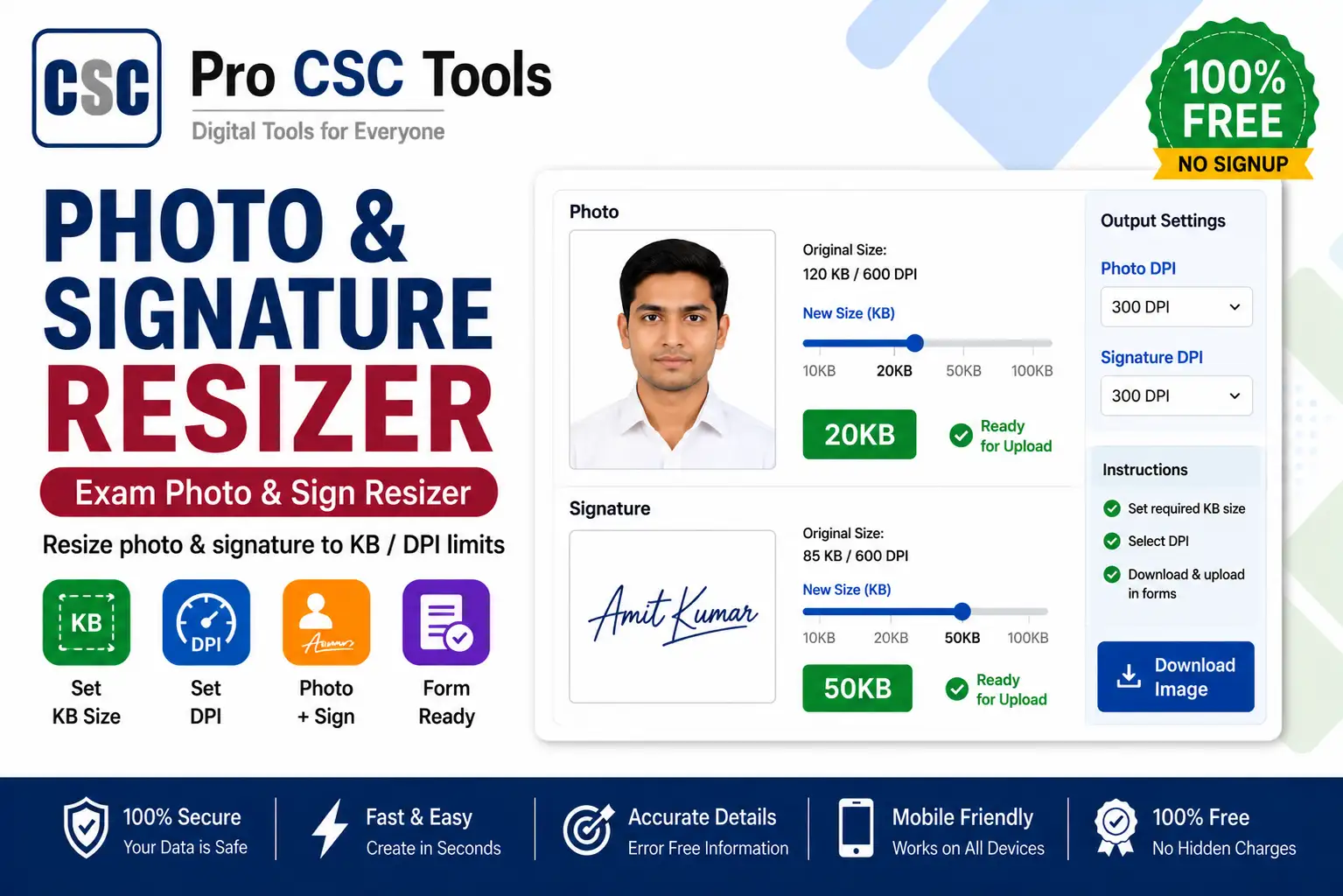
Almost every online exam form - SSC, UPSC, railway, banking, state PSC - asks for a photo and signature in an exact size and KB range. Getting this wrong is the number one reason form uploads fail.
The free Photo and Signature Resizer from Pro CSC Tools lets you resize both your photo and signature to the precise dimensions and file size (KB) any form requires, so your uploads are accepted the first time.
Why Exam Forms Reject Photos and Signatures
Exam portals have strict rules: a photo might need to be 200x230 pixels between 20-50 KB, and a signature 140x60 pixels between 10-20 KB. If your file is too big, too small, or the wrong dimension, the upload is rejected.
- Wrong pixel dimensions
- File size above the allowed KB limit
- Wrong file format (JPG vs PNG)
Resize by Both Dimension and KB
The best part of this tool is that you can target an exact KB size, not just dimensions. This is essential because most exam portals reject files that exceed their KB limit.
How to Use Photo and Signature Resizer - Step by Step
- Open the Photo and Signature Resizer on Pro CSC Tools.
- Upload your photo (and signature separately if needed).
- Enter the required dimensions in pixels as mentioned in the form notice.
- Set the target file size in KB (for example 20-50 KB).
- Preview the resized output to confirm it looks clear.
- Download the final photo and signature ready for upload.
Key Features of Photo and Signature Resizer
- KB-accurate resize: Hit the exact file size range any exam portal demands.
- Pixel control: Set precise width and height in pixels.
- Photo + signature: Prepare both files in one place.
- Format support: Export in JPG or PNG as required.
- Free and fast: No watermark, works on mobile and desktop.
Use Cases for CSC VLEs & Students
- SSC, UPSC and state PSC exam forms
- Railway (RRB) and banking (IBPS) applications
- University and college admission portals
- Scholarship and government scheme applications
- Any portal with strict photo/signature rules
Pro Tips for Best Results
- Always read the form notice for the exact pixel and KB requirement before resizing.
- Scan the signature on white paper with a dark pen for a clean result.
- Keep a master copy of the original photo so you can resize again for other forms.
- Use JPG for photos and check whether the signature should be JPG or PNG.
Frequently Asked Questions
Can I resize a photo to an exact KB size?
Yes, the tool lets you set a target file size in KB, which is essential for exam form uploads.
Can I resize both photo and signature?
Yes, you can prepare both your photo and signature to their required sizes using this single tool.
What photo size do most exam forms need?
Many forms ask for around 200x230 pixels for the photo (20-50 KB) and 140x60 pixels for the signature (10-20 KB), but always confirm with your specific form.
Is the tool free?
Yes, it is completely free with no watermark.
Does resizing reduce quality?
The tool keeps the image as clear as possible while meeting the size limits required by the form.
Try Photo and Signature Resizer Now - 100% Free
Fast, secure and mobile-friendly. No signup, no watermark.
Open Photo and Signature Resizer