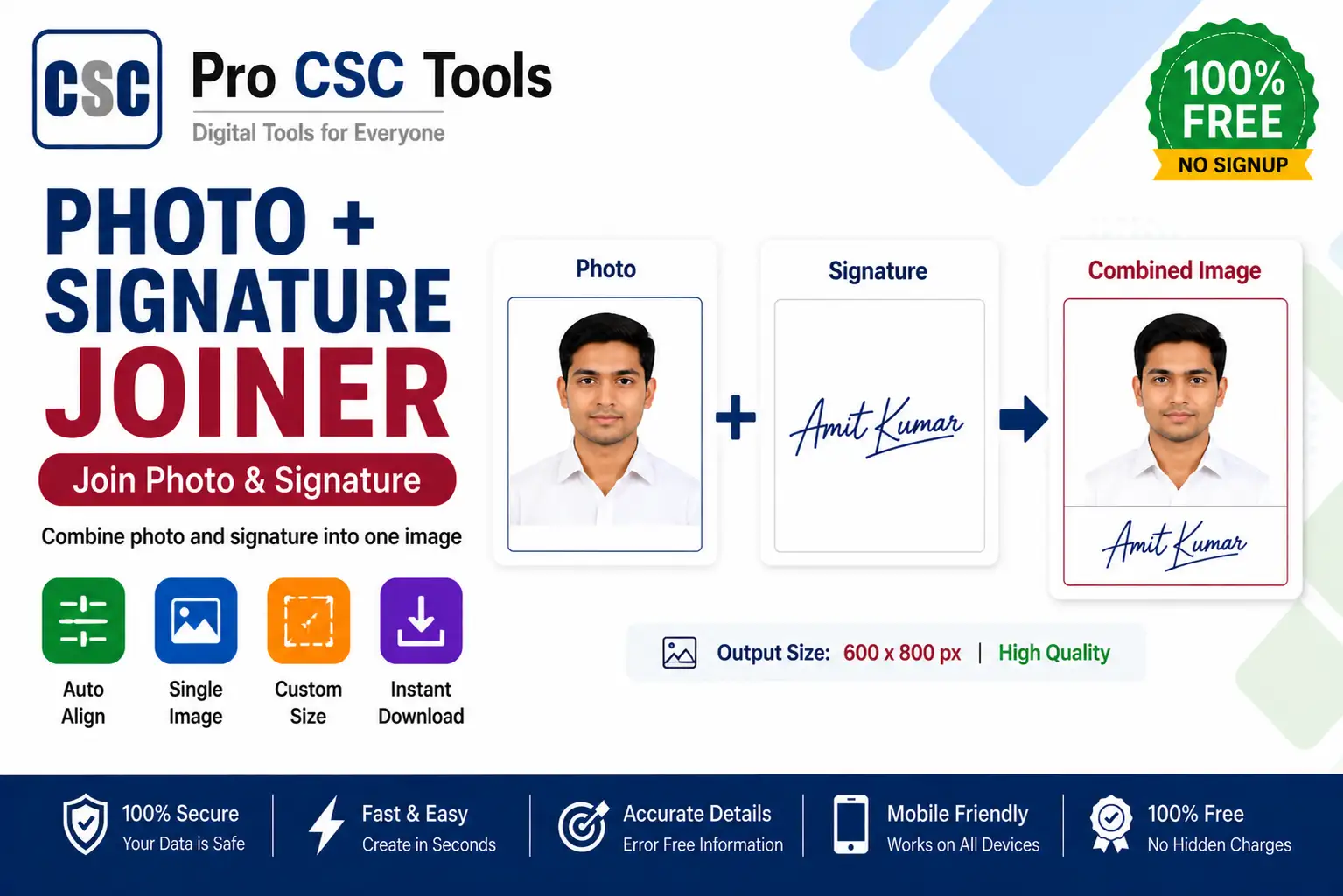
Some exam and government portals ask for the photo and signature combined into a single image, with both placed in a fixed layout. Doing this manually in an editor is slow and often inaccurate.
The free Photo and Signature Joiner from Pro CSC Tools combines a photo and a signature into one neat image in the format forms expect - quickly and without any editing skills.
When You Need a Joined Image
Certain application portals require a single combined image instead of separate uploads. The joiner places the photo on top and the signature below (or side by side) in a clean, accepted layout.
Neat and Aligned
Proper alignment and spacing make the combined image look professional and avoid rejection on portals that check layout.
How to Use Photo and Signature Joiner - Step by Step
- Open the Photo and Signature Joiner on Pro CSC Tools.
- Upload the photo.
- Upload the signature.
- Choose the layout (photo above signature or side by side).
- Adjust size and spacing if needed.
- Download the combined image ready for upload.
Key Features of Photo and Signature Joiner
- Combined image: Merge photo and signature into one file.
- Layout options: Stack or place side by side as required.
- Clean alignment: Neat spacing for a professional look.
- Size control: Adjust dimensions to fit form rules.
- Free: No watermark, no signup.
Use Cases for CSC VLEs & Students
- Exam forms requiring a combined photo+signature image
- Government application portals
- Bank and KYC submissions
- University admission forms
- Any form needing one merged image
Pro Tips for Best Results
- Scan or click the signature on white paper for a clean merge.
- Match the layout to what the form notice specifies.
- Keep the combined image within the portal size limit.
- Check both photo and signature are clear before downloading.
Frequently Asked Questions
Can I join a photo and signature into one image?
Yes, the tool combines your photo and signature into a single image in the layout forms require.
Can I choose the layout?
Yes, you can stack the photo above the signature or place them side by side.
Is the tool free?
Yes, it is completely free with no watermark.
Will the image be clear?
Yes, the tool keeps both photo and signature clear in the combined image.
Does it work on mobile?
Yes, it works on any phone or computer browser.
Try Photo and Signature Joiner Now - 100% Free
Fast, secure and mobile-friendly. No signup, no watermark.
Open Photo and Signature Joiner