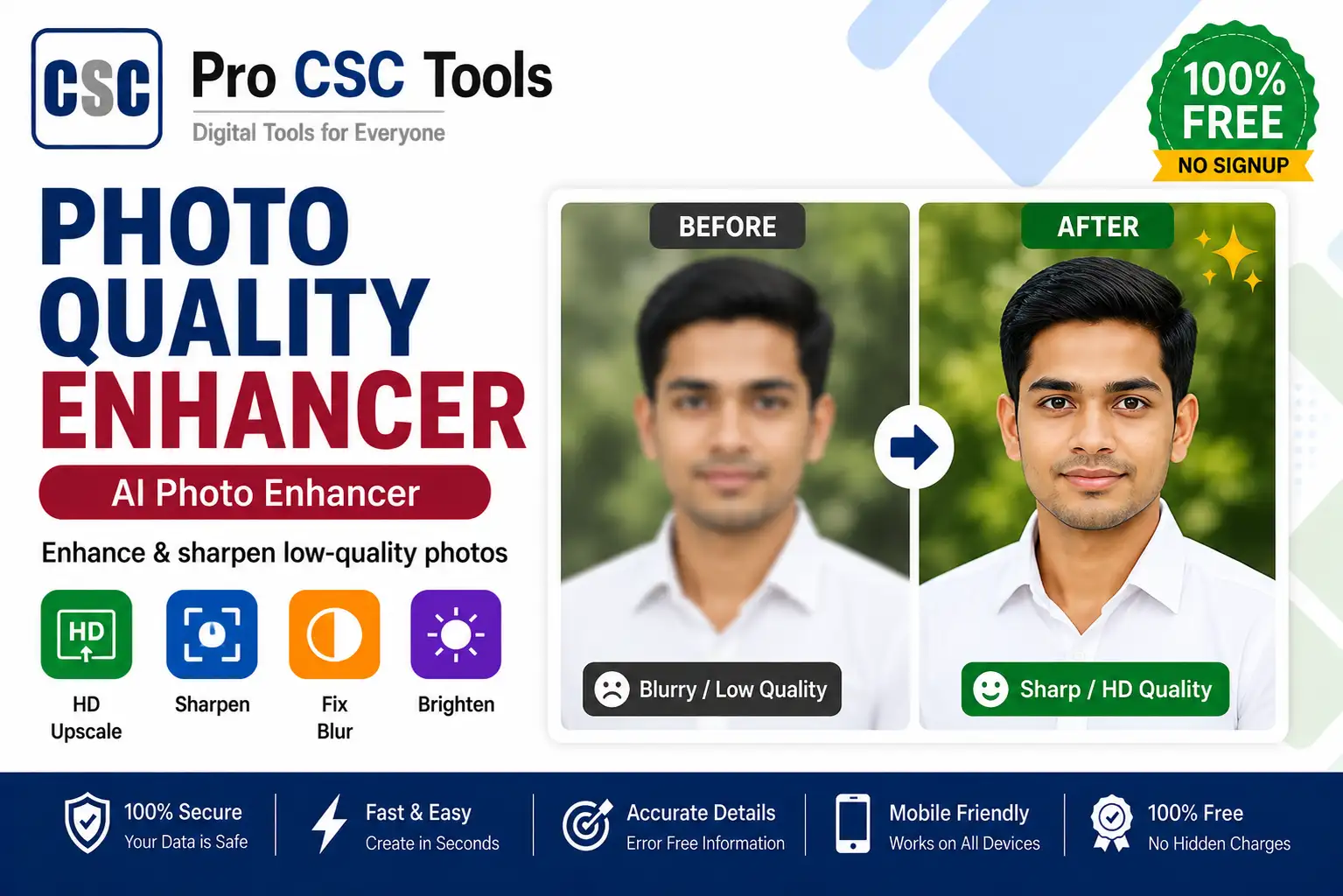
Customers often bring old, blurry, or low-quality photos for documents and forms. A poor photo can get a form rejected or simply look unprofessional when printed.
The free Photo Quality Enhancer from Pro CSC Tools improves sharpness, clarity, and resolution so that even old or blurry photos look clean and print-ready.
What a Photo Enhancer Does
A photo enhancer improves the details, sharpness, and clarity of an image. It can make a soft or low-resolution photo look noticeably better for printing and documents.
Great for Old Photos
Old printed photos that are scanned often look faded or blurry. Enhancing them helps restore clarity before using them in documents.
How to Use Photo Quality Enhancer - Step by Step
- Open the Photo Quality Enhancer on Pro CSC Tools.
- Upload the blurry or low-quality photo.
- Let the tool process and enhance the image.
- Compare the before and after result.
- Adjust settings if available.
- Download the enhanced, sharper photo.
Key Features of Photo Quality Enhancer
- Sharper details: Improves clarity and reduces blur.
- Higher quality: Makes low-resolution photos look better.
- Old photo fix: Refreshes faded scanned photos.
- Easy: One upload, automatic enhancement.
- Free: No watermark, no signup.
Use Cases for CSC VLEs & Students
- Improving photos for documents and forms
- Refreshing old scanned family photos
- Making product photos look professional
- Sharpening photos before printing
- Cleaning up low-quality phone photos
Pro Tips for Best Results
- Start with the best available version of the photo for the best result.
- Avoid over-enhancing, which can look unnatural.
- Use enhanced photos for printing where clarity matters most.
- Combine with the Passport Photo Maker for clean document photos.
Frequently Asked Questions
Can it make a blurry photo clear?
Yes, the tool improves sharpness and clarity to make blurry photos look clearer.
Does it improve old scanned photos?
Yes, it works well to refresh faded or low-quality scanned photos.
Is the enhancer free?
Yes, it is completely free with no watermark.
Will it increase resolution?
It improves perceived quality and sharpness, making low-resolution photos look better.
Does it work on mobile?
Yes, it works in any mobile or desktop browser.
Try Photo Quality Enhancer Now - 100% Free
Fast, secure and mobile-friendly. No signup, no watermark.
Open Photo Quality Enhancer