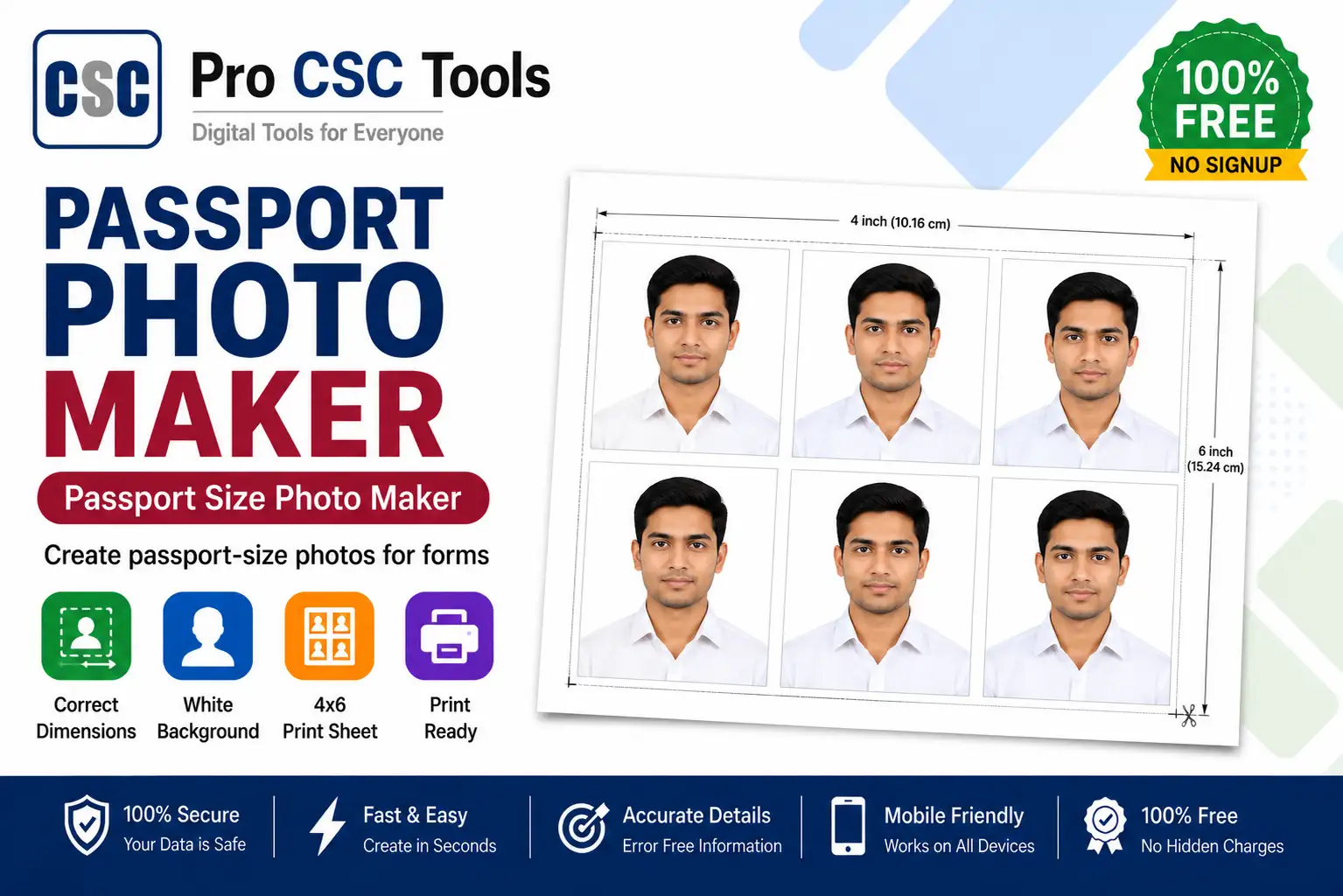
A correct passport size photo is one of the most common requirements for passports, visas, exam forms, PAN cards, and almost every government application in India. As a CSC VLE, you get this request many times every single day, and even a small mistake in size or background can get a form rejected.
With the free Passport Photo Maker from Pro CSC Tools you can create a perfectly sized passport photo with a clean white background in seconds, right from your browser - no software, no Photoshop, and no cost. This detailed guide explains exactly how it works and how to get accepted photos every time.
What is a Passport Size Photo Maker?
A passport size photo maker is an online tool that resizes and formats your photo to official passport dimensions, usually 35x45 mm, with the right head position, white background, and print-ready quality. Instead of visiting a studio, you simply upload a photo and the tool does the cropping and resizing for you.
The Pro CSC Tools version is built specifically for Indian documents and supports the most common sizes used for passports, visas, and exam applications.
Why CSC VLEs Need a Good Passport Photo Tool
Most form rejections happen because of wrong photo size, dark background, or low resolution. A reliable tool removes these problems and saves you from re-doing work and losing customer trust.
- Serve more customers per day without a camera studio setup
- Avoid rejection of passport, visa and exam forms
- Print multiple copies on a single 4x6 sheet to save paper and cost
How to Use Passport Photo Maker - Step by Step
- Open the Passport Photo Maker tool on Pro CSC Tools.
- Upload the customer photo from your phone or computer.
- Select the required size (35x45 mm for passport, or the size your form needs).
- Adjust the crop so the face is centered and the head covers about 70-80% of the frame.
- Choose a plain white background if needed.
- Download the single photo, or generate a printable sheet with multiple copies.
Key Features of Passport Photo Maker
- Correct sizes: Ready presets for 35x45 mm passport, visa and exam photo sizes.
- White background: Get a clean studio-style white background that forms require.
- Print-ready sheet: Arrange 4, 6 or 8 copies on one sheet to save printing cost.
- High quality: Maintains sharp, high-DPI output suitable for printing.
- 100% free: No watermark, no signup, works on mobile and desktop.
Use Cases for CSC VLEs & Students
- Passport and visa applications
- PAN card, Aadhaar and voter ID submissions
- Government and private exam forms (SSC, railway, banking)
- School and college admission forms
- Job application and resume photos
Pro Tips for Best Results
- Use a photo clicked in good daylight against a plain wall for best results.
- Make sure the face is straight, eyes open, and ears visible where required.
- Avoid heavy shadows behind the head - they can cause rejection.
- Always confirm the exact size your specific form asks for before printing.
Frequently Asked Questions
What is the standard passport photo size in India?
The standard passport photo size in India is 35x45 mm with a white background. Some forms may ask for 51x51 mm (2x2 inch), so always check your form.
Is this passport photo maker free?
Yes, the Pro CSC Tools Passport Photo Maker is completely free with no watermark and no signup required.
Can I make a white background passport photo?
Yes. The tool lets you place your photo on a clean white background, which is accepted by most passport, visa and exam forms.
Can I print multiple copies on one sheet?
Yes, you can arrange multiple copies on a single 4x6 inch sheet to save paper and printing cost.
Does it work on a mobile phone?
Yes, the tool is fully mobile-friendly and works in any browser on Android or iPhone.
Try Passport Photo Maker Now - 100% Free
Fast, secure and mobile-friendly. No signup, no watermark.
Open Passport Photo Maker