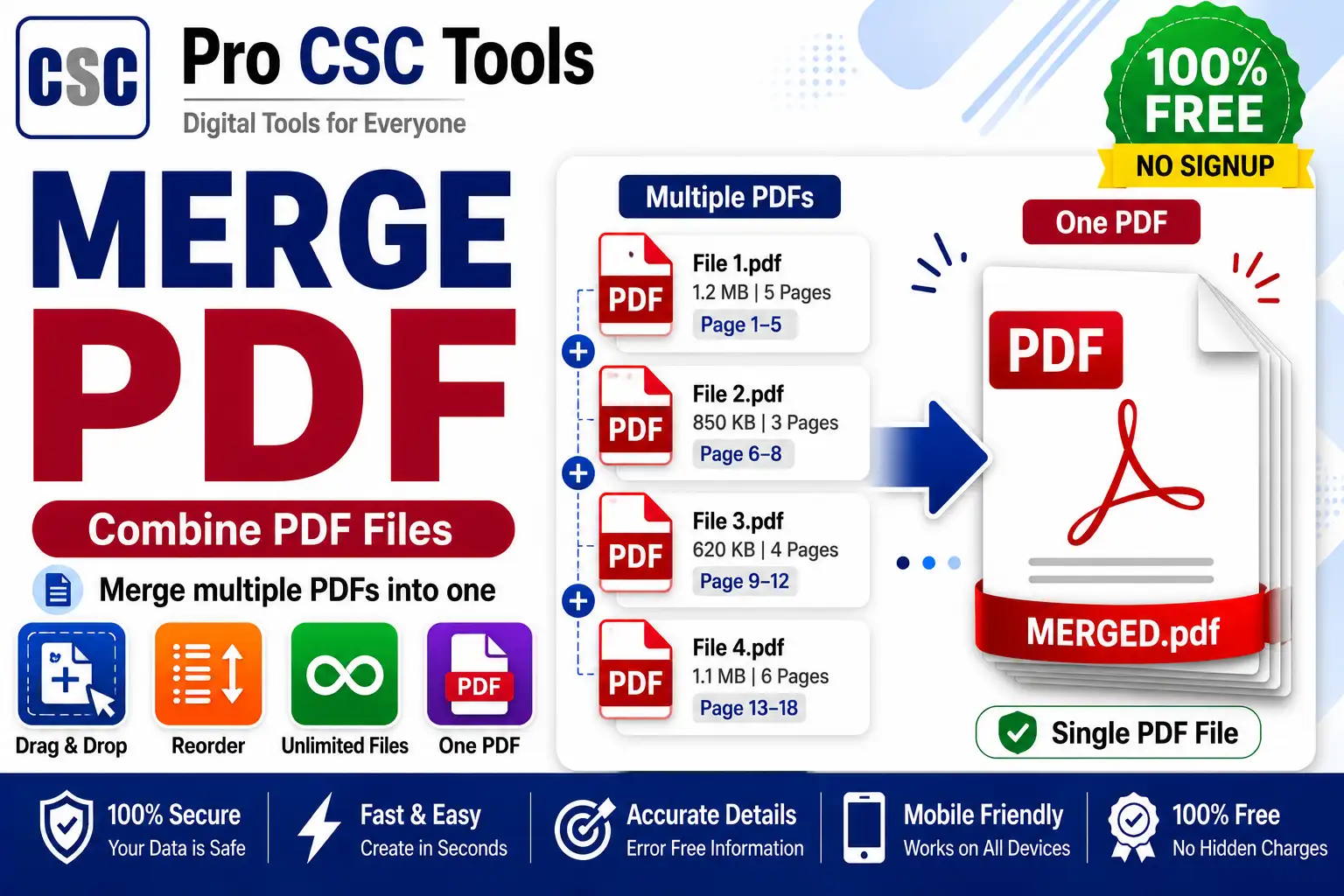
Often you have several PDFs - certificates, marksheets, forms - that need to be submitted as a single document. Uploading them separately is messy and sometimes not allowed.
The free Merge PDF tool from Pro CSC Tools combines multiple PDF files into one neatly ordered document in seconds, making submissions clean and simple.
When You Need to Merge PDFs
Many portals require a single combined PDF for all documents. Merging keeps everything in one file and in the correct order for easy verification.
Control the Order
You can arrange the PDFs in the exact sequence you want before merging, so the final document flows correctly.
How to Use Merge PDF - Step by Step
- Open the Merge PDF tool on Pro CSC Tools.
- Upload two or more PDF files.
- Drag to arrange them in the correct order.
- Click merge to combine the files.
- Preview the merged PDF.
- Download the single combined PDF.
Key Features of Merge PDF
- Combine many: Merge several PDFs into one file.
- Reorder: Arrange files in the correct sequence.
- Fast: Merge in seconds.
- Private: Files processed in your browser.
- Free: No watermark, no signup.
Use Cases for CSC VLEs & Students
- Combining certificates for job applications
- Merging marksheets into one document
- Joining multi-part forms
- Creating a single KYC document bundle
- Combining scanned pages into one PDF
Pro Tips for Best Results
- Arrange the files in order before merging to avoid redoing it.
- Keep the final file within the portal size limit.
- Name the merged file clearly for easy identification.
- Use the Split PDF tool if you later need to separate pages.
Frequently Asked Questions
Can I merge multiple PDFs into one?
Yes, you can combine two or more PDF files into a single document.
Can I set the order of files?
Yes, you can drag and arrange the PDFs in the exact order you want before merging.
Is the merge PDF tool free?
Yes, it is completely free with no watermark.
Are my files safe?
Yes, your PDFs are processed privately in your browser.
Does it work on mobile?
Yes, it works on any device browser.
Try Merge PDF Now - 100% Free
Fast, secure and mobile-friendly. No signup, no watermark.
Open Merge PDF