Government portals and exam forms almost always ask for documents in PDF format. But customers usually bring photos of their Aadhaar, marksheet, or certificates clicked on a phone. Converting these images to a single clean PDF is a daily task for every CSC VLE.
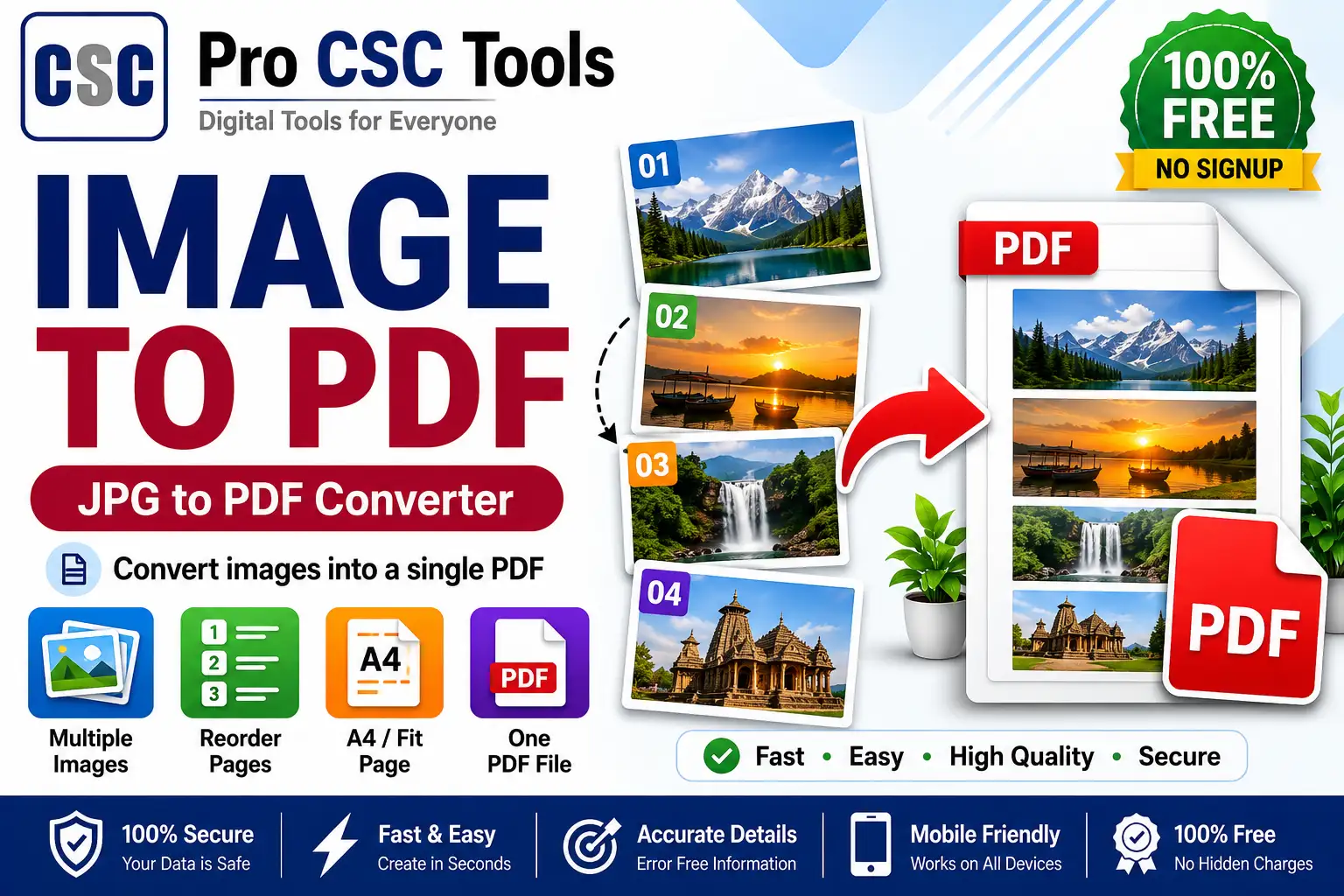
The free Image to PDF Converter from Pro CSC Tools lets you turn one or many JPG/PNG images into a single, properly ordered PDF in seconds - ready for any upload.
Why PDF is Required for Uploads
PDF keeps all pages in one file, preserves layout, and is accepted by every government and exam portal. Uploading separate images often fails or looks unprofessional, while a single PDF is clean and easy to verify.
Combine Multiple Pages Easily
You can add several images - like the front and back of an Aadhaar card, or all pages of a marksheet - and arrange them in the correct order before exporting as one PDF.
How to Use Image to PDF Converter - Step by Step
- Open the Image to PDF Converter on Pro CSC Tools.
- Upload one or more JPG or PNG images.
- Drag to reorder the images into the correct page order.
- Choose page size and orientation if needed.
- Click convert to generate your PDF.
- Download the final single PDF file.
Key Features of Image to PDF Converter
- Multiple images: Combine many photos into one ordered PDF.
- Reorder pages: Drag and drop to set the correct page sequence.
- Page settings: Choose A4, letter or auto page size.
- Small file size: Get a compact PDF that fits upload limits.
- Free and private: No watermark - your files stay in your browser.
Use Cases for CSC VLEs & Students
- Combining Aadhaar front and back into one PDF
- Merging marksheet pages for admission forms
- Preparing certificate sets for job applications
- Converting handwritten or scanned notes to PDF
- Creating document bundles for bank KYC
Pro Tips for Best Results
- Click clear, well-lit photos of documents before converting for a readable PDF.
- Crop out extra background so the document fills the page.
- Keep the file size within the portal limit by avoiding very large images.
- Double-check the page order before downloading.
Frequently Asked Questions
Can I combine multiple images into one PDF?
Yes, you can upload many images and arrange them into a single multi-page PDF.
Does it support both JPG and PNG?
Yes, the tool supports common image formats including JPG and PNG.
Are my documents safe?
Yes, the conversion happens in your browser, so your private documents are not stored.
Is there a watermark?
No, the generated PDF has no watermark and is free to use.
Can I control the page order?
Yes, you can drag images to set the exact page order before converting.
Try Image to PDF Converter Now - 100% Free
Fast, secure and mobile-friendly. No signup, no watermark.
Open Image to PDF Converter