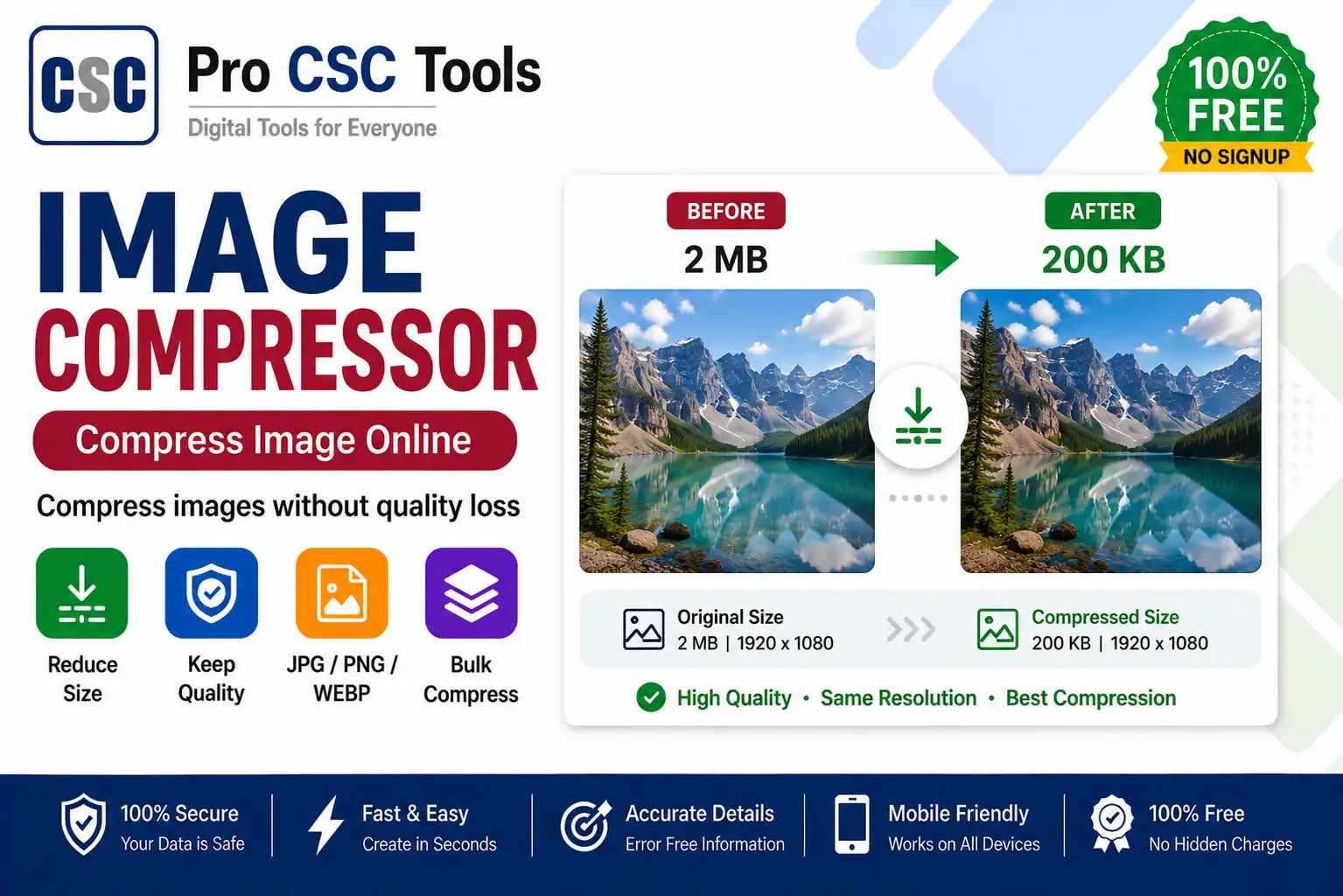
Large image files are a common problem - they fail upload limits, fill storage, and slow down websites. Compressing photos solves all of this while keeping them clear.
The free Image Compressor from Pro CSC Tools reduces the file size of JPG and PNG images without noticeable quality loss, so your uploads are fast and accepted every time.
Why Compress Images
Compression lowers the file size so images fit upload KB limits, send faster on WhatsApp and email, and load quicker on websites - all while staying clear.
Smart Quality Balance
The tool finds a balance between small size and good quality, so your compressed photo still looks sharp for documents and printing.
How to Use Image Compressor - Step by Step
- Open the Image Compressor on Pro CSC Tools.
- Upload the JPG or PNG image.
- Choose the compression level or target size.
- Let the tool compress the image.
- Compare quality and file size.
- Download the smaller, optimized image.
Key Features of Image Compressor
- Strong compression: Big size reduction with minimal quality loss.
- JPG and PNG: Works with common image formats.
- Target size: Compress to fit upload limits.
- Fast: Compresses in seconds.
- Free: No watermark, no signup.
Use Cases for CSC VLEs & Students
- Fitting photos into form KB upload limits
- Sending images faster on WhatsApp and email
- Speeding up website image loading
- Saving storage space on devices
- Reducing PDF and document image sizes
Pro Tips for Best Results
- Compress after resizing to hit exact upload limits.
- Keep a backup of the original high-quality image.
- Use moderate compression for documents to keep text readable.
- Check clarity before uploading important files.
Frequently Asked Questions
Does compression reduce quality?
The tool reduces file size with minimal, usually unnoticeable, quality loss.
Can I compress to a target KB size?
Yes, you can compress images to fit specific upload size limits.
Which formats are supported?
Common formats like JPG and PNG are supported.
Is the compressor free?
Yes, it is completely free with no watermark.
Does it work on mobile?
Yes, it works on any device browser.
Try Image Compressor Now - 100% Free
Fast, secure and mobile-friendly. No signup, no watermark.
Open Image Compressor