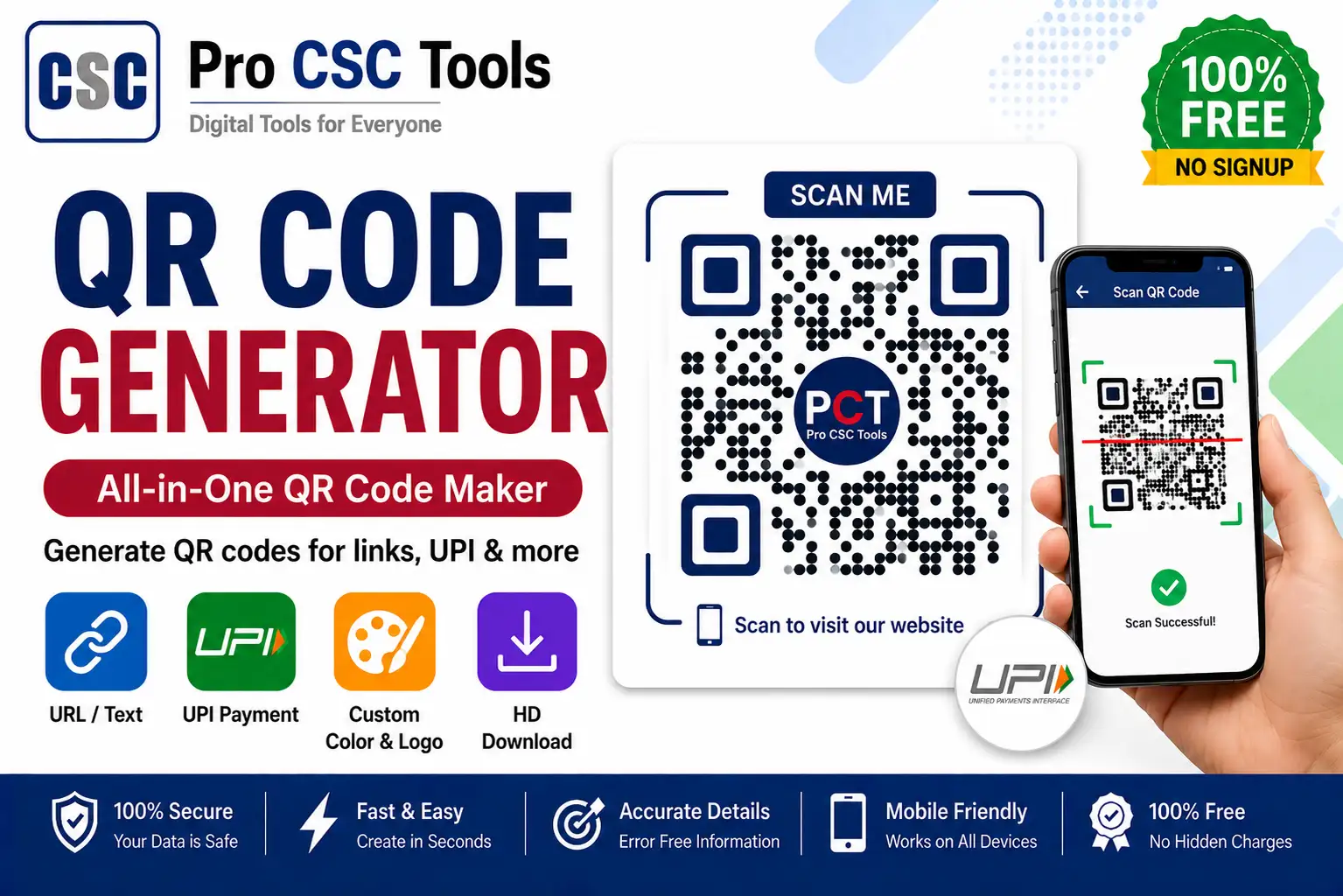
QR codes are everywhere today - from UPI payments and shop boards to exam forms, Wi-Fi sharing and website links. With the free Pro CSC Tools QR Code Generator, you can create a professional, high-quality QR code in seconds, with no signup and no watermark. This guide shows exactly how to use it.
Table of Contents
What is the QR Code Generator?
A QR (Quick Response) code is a square barcode that a smartphone camera can scan instantly to open a link, make a payment, save a contact, or connect to Wi-Fi. The Pro CSC Tools QR Code Generator is a free online tool that turns your text, link or UPI ID into a scannable code you can download as a high-resolution image and print or share anywhere.
Why CSC VLEs need a QR generator
- Accept payments faster with a printed UPI QR at your counter.
- Share your services - link customers straight to your website or WhatsApp.
- Save time on forms by linking documents or Google forms via QR.
- Look professional with clean QR codes on receipts and boards.
How to use the QR Code Generator - step by step
Open the tool
Go to the QR Code Generator page. It loads instantly in any browser - mobile or desktop.
Choose the QR type
Select a website link, plain text, a UPI payment ID, a phone number, or Wi-Fi details.
Enter your details
Type or paste your link / UPI ID / text. For UPI, add your UPI ID and an optional amount.
Customize (optional)
Adjust the size and colour. Keep good contrast so the code stays easy to scan.
Generate
The preview updates instantly. Scan it once with your phone to confirm it works.
Download & print
Click Download to save a high-resolution PNG. Print it for your counter or share on WhatsApp.
Types of QR codes you can create
- Website / URL - open any web page or Google form.
- UPI Payment - let customers pay you instantly.
- Plain Text - share notes, codes or instructions.
- Phone Number - one tap to call your CSC center.
- WhatsApp - start a chat with you directly.
- Wi-Fi - let guests connect without typing the password.
Tips for the best QR codes
- Keep high contrast (dark code on light background).
- Print at least 2x2 cm so cameras can read it.
- Always test the QR before printing in bulk.
- Leave white space (quiet zone) around the code.
Ready to create your QR code?
100% free, fast and works on mobile. No signup required.
Open QR Code GeneratorFrequently Asked Questions
Is the QR Code Generator free?
Yes. It is completely free, with no signup and no watermark.
Can I create a UPI payment QR code?
Yes. Choose the UPI option, enter your UPI ID and an optional amount, and download a ready-to-print payment QR.
Do these QR codes expire?
No. Static QR codes never expire as long as the link or UPI ID stays valid.
Can I download in high resolution?
Yes. You can download a high-resolution PNG that stays sharp when printed.
Is my data safe?
Your QR is generated in your browser, so your information is not uploaded or stored on any server.