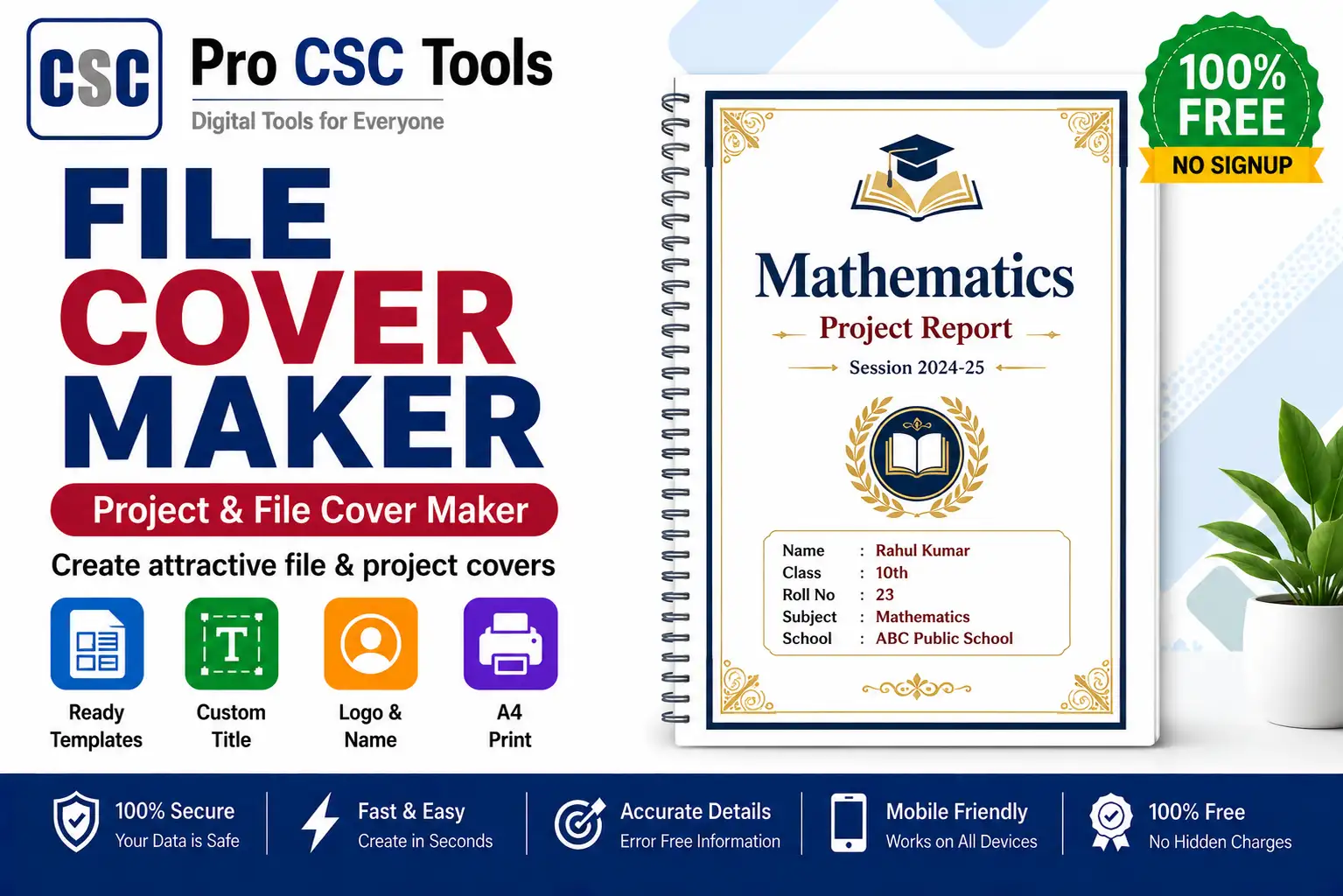
A neat cover page makes any file, project, or assignment look professional and organized. Students and offices often need attractive cover pages with a title, name, and details.
The free File Cover Maker from Pro CSC Tools lets you design clean, professional cover pages in minutes - just fill in the details and download a print-ready cover.
What Goes on a Good Cover Page
A good cover page is clear and well-organized.
- Project or file title
- Name and roll number or ID
- Institution or office name
- Date and subject details
Make a Strong First Impression
A professional cover page creates a good first impression for assignments, projects, and official files.
How to Use File Cover Maker - Step by Step
- Open the File Cover Maker on Pro CSC Tools.
- Choose a cover page template or layout.
- Enter the title, name and other details.
- Add institution or office information.
- Preview the cover page design.
- Download or print the finished cover.
Key Features of File Cover Maker
- Ready templates: Clean cover page designs to choose from.
- Easy editing: Just fill in your details.
- Print-ready: Download a cover ready to print.
- Professional look: Neat, organized layouts.
- Free: No watermark, no signup.
Use Cases for CSC VLEs & Students
- School and college assignment covers
- Project and practical file covers
- Office file and report covers
- Document folder covers
- Presentation title pages
Pro Tips for Best Results
- Keep the cover clean and avoid too many colors.
- Use a clear, readable title and correct details.
- Match the cover style to the file or project type.
- Proofread names and details before printing.
Frequently Asked Questions
Can I make an assignment cover page?
Yes, the tool is perfect for school and college assignment and project covers.
Is the file cover maker free?
Yes, it is completely free with no watermark.
Can I print the cover page?
Yes, you can download or directly print the finished cover.
Do I need design skills?
No, you just fill in the details and the template handles the design.
Does it work on mobile?
Yes, it works on any device browser.
Try File Cover Maker Now - 100% Free
Fast, secure and mobile-friendly. No signup, no watermark.
Open File Cover Maker